- Power and flexibility at its best as the new interface and features offer more control and flexibility.
- Powerful features like contextual menu and task-oriented tabs to help you get started and deliver results.
- Lifetime license for home and personal use.
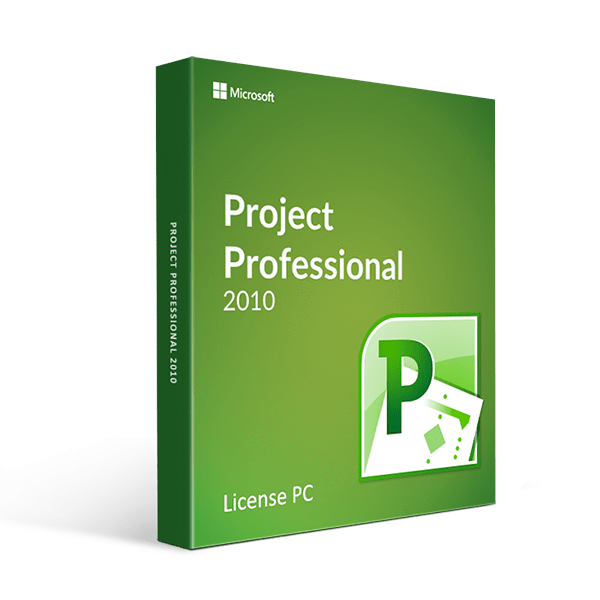
Let no projects intimidate you and your team. Get into high gear with project management through Microsoft Project Professional 2010.
If you want a powerful project management software that provides better tools to manage projects effectively, don’t look elsewhere. Update your system and infrastructure right now with the Project Professional 2010. You will surely benefit from the way it helps you manage resources and empower your team with its new, enhanced, and intuitive features.
Experience the following benefits with the MS Project Professional 2010 and see the differences from your older system:
Microsoft Fluent UI (User Interface) productivity feature embedded in the new Ribbon system. With this tool, you will quickly find and use different project controls and features. You can also configure your own setting to make it easier for you to access all commonly used buttons.
Contextual Guidance will help you immediately learn features that are hidden in the command tool, status bar messages, and content to find help for various concerns easily.
Backstage Access for tools, programs, and templates selection so you can work on different Microsoft Project 2010 Professional and other Office applications with lesser effort. In terms of project templates, these are already preformatted so your concerns are lessened by escaping the template creation and starting immediately on the details of your project. Data can be customized, collated, and included based on the template.
Project Collaboration so you can share project information beyond copying and pasting. It avoids compromising any currently opened files.
Sharing can be done through SharePoint. It lets you share files with collaborators or teammates and even synchronize schedules.
Project Planning Features – supportive tools that will help you create, assign, execute, and monitor all your project plans as well as allocate the needed resources. Here are more project planning related features available with every Microsoft Project Professional 2010 download:
- These will be published through Project Server and monitored through different assigned dashboards for each task.
- Resource Planning and Management – helps you allocate people and resources as well as work on appropriate projects accordingly.
- Resource Substitute – so you know exactly what to substitute.
- Resource Leveling – with this, you can check which resources are performing, underperforming, over performing, and overused.
- Zoom Controls that allow quick changes on the timeline of your project schedules.
- Automatic Scheduling – for tracking and managing your projects.
- User Control Scheduling – so you can add more details into schedules and plans.
- Active and Inactive Task – you can predict different scenarios to your project and view the impact thereof.
- Multiple Level Undo – monitor and review sets of tasks and operations.
- Change highlighting – you can assign and switch highlighted project plan factors to see how it impacts a project.
- Cost Resources Feature – can be integrated into your accounting system so you can be informed about the financial progress of your project.
With so many features to contend with, you need to have a computer system that is compatible with Project 2010 Professional. Here is the list of minimum requirements needed before you can download Microsoft Project Professional 2010
- Operating System: must have Windows XP with SP3 for 32 bit system, Windows Vista with SP1, Windows Server 2003 with R2 packed with MSXML 6.0, Windows Server 2008 or lower
- Memory: 512 MB
- Hard Disk: 2.0 GB available
- Computer Processor: 700 megahertz or faster
- Get your project moving towards completion and expectation of more projects to come when you update and buy Microsoft Project Professional 2010 pronto!
**Windows software only, NOT compatible with MAC.