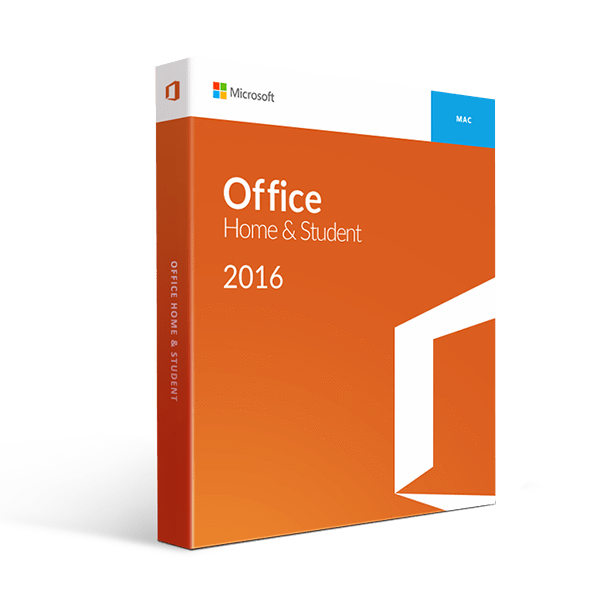
Get more things done with Microsoft Office Home and Student 2016 for Mac it is not just for your Windows Office, it’s for Mac too.
They say that it is difficult to get out of your comfort zone but why make it difficult when you can have it easy for yourself? With the Office Home and Student 2016 for Mac, you have software that helps you eliminate cumbersome steps to make your document accessible to both Office and Mac operating systems.
Microsoft Office 2016 Home and Student for Mac comes with the following features:
The same AutoCorrect feature is found in Excel through the Excel Spell Check Dialog box. There are also several improvements with regard to Excel 2016 for Mac which include the following:
Now, on to your presentation, and here’s what PowerPoint for Mac can do for you:
When it comes to security and sharing features, you can find it easily as it is located in the title bar of each Office 2016 Home and Student for Mac application. Just click on the “head plus” icon and invite other people through email to view your attached document either in its original file format or PDF format. With the Rights Manage feature, your documents and emails are secured as you can restrict people’s privileges to implement company policies when accessing documents.
How about OneNote for Mac? It is still the same as the older version but simpler. Some features include viewing custom tags even if you will not use them.
As software for Mac, it requires a different set of system requirements. Here are things that you should take note of before you download Office Home and Student 2016 for Mac: