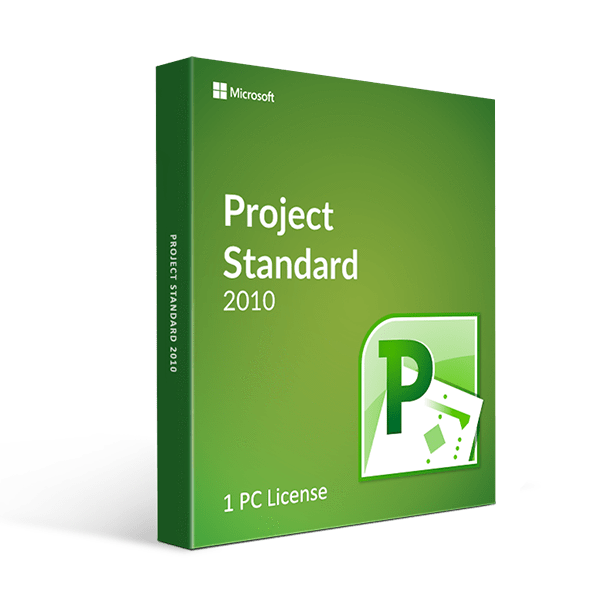
Keep projects coming for you with the help of the tried and tested for years Microsoft Project Standard 2010.
Project Standard 2010 is designed to simplify work by automating different tasks of creating and tracking projects or plans. With that, you can delegate activities, arrange resources, and create a proper time schedule so people and resources are always there when you need them and no time is wasted.
With Microsoft Project 2010 Standard, you will are entitled to built-in features guaranteed to increase efficiency when it comes to task management in order to gain better control over project management. Here are more specific features to expect:
The Ribbon: This is the first thing that you will observe as you no longer see traditional toolbars and menu which are now replaced with this function. Worry no more about commands as the ribbon makes everything organized logically in groups for easier access. You can also customize it and create your own grouping based on your preferences and the required ease of use.
The Backstage: It is almost the same as the File menu in versions that are older than Project 2010 Standard. It is used when you want to open, save, or print your projects. You can also use this feature to manage your Project Server links and connections or check out publish projects.
Newer and better viewing options have been added to assist you for clarity when you track team projects and how each member performs. This software can help you and team members see the whole picture and assess if resources are properly appropriated. Included in this specified enhancement are these: