-
1 PC
-
1 person
- Customize every chart and presentation layout to create your own, unique style
- Use History Tracking to track every single change you’ve made to your presentation.
- Lifetime license for commercial and personal use
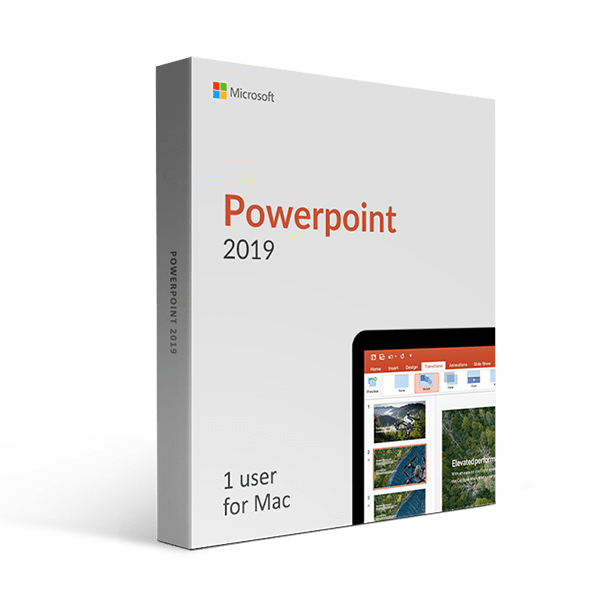
Microsoft Powerpoint 2019 For Mac Keys
Microsoft Powerpoint 2019 for Mac is here for users who want to take their presentation-making skills to the next level. This newest addition of Powerpoint grants tons of new features, optimization improvements, and all of that for an affordable price. Powerpoint 2019 represents a huge step forward, introducing new data displays that will display your data in a more comprehensive way.
Those new charts will let you implement the rich formatting, allowing you to create visually-stunning presentations. Whether you’re a professor or a student trying to impress your mentor, Powerpoint 2019 will do the job just fine! Microsoft also reworked collaboration capabilities thus giving Powerpoint 2019 a clear edge over the other similar products.
Brand New Data Displays
New data displays are the highlight of Powerpoint 2019 for Mac. Visualization is a very important tool in displaying your presentations properly and this software got you covered. With tons of already beautiful old charts, Microsoft added six new ones that will reinvent how you work on your presentations.
You can now completely customize every chart and presentation layout to create your own, unique style. Forget everything you knew about Powerpoint charts – new charts are here and they’ll blow you away!
Enjoyable Collaboration
Keeping your business up and running is all about collaboration. With this in mind, Powerpoint 2019 lets you collaborate with your colleagues and work on your project in the group.
Powerpoint 2019 allows you to change your presentation the way you or your team want. Each slide can be edited and you’ll see a comprehensive side-by-side comparison of each change you and your team made. You can then decide to keep or discard the changes and all of that in collaboration with your team. It’s very simple.
History Tracking
History tracking lets you track every single change you’ve made to your presentation. Thanks to its easy-to-use interface, Powerpoint 2019 shows every version of the document for easier recovery. However, accessing the earlier versions is available for OneDrive for Business and SharePoint users.
Unique New Features
Get ready to stand out using new Powerpoint 2019 features. This software comes with the tools of the trade needed for creating a second to none presentation that will impress even you!
Thanks to the newest Presenter View feature, you can see every slide, including previous and upcoming slides, while your audience sees just the current slide. This way, you’re in full control over your work!
- Includes six new charts.
- Complete support for OneDrive for Business and SharePoint.
- History tracking for easier document recovery.
- One time purchase for the software.
- Smooth workflow.
Microsoft Powerpoint 2019 For Mac system requirements
-
Operating System: macOS 11 or newer
-
Memory: 1GB RAM
-
Hard Disk: at least 2.5GB available space
-
Computer Processor: 1.6 GHz, 2-core processor
-
Minimum CPU Requirement: Intel Core 2 Duo CPU
- Windows software only, NOT compatible with MAC.
- Required internet connection during the installation